How to Automate Your Blog Publishing with n8n and Claude
Install the official VeloCMS node in n8n and your blog joins any workflow, or skip the canvas and publish straight from Claude with the MCP server.
Most blogging routines have a copy-paste tax hiding in them somewhere. You draft in one tool, paste into another, upload the image separately, publish, then go tell your other systems it happened. None of those steps is hard. Together, they're the reason "I'll post twice a week" quietly becomes once a month.
This week that tax gets a lot smaller. VeloCMS now has an official community node for n8n — the open-source automation platform — and an MCP server that lets AI tools like Claude work your blog directly. Both talk to the same public REST API, both authenticate with a single scoped API key from your dashboard, and both were built by us, not a third party guessing at our endpoints.
What can you actually automate with the n8n node?
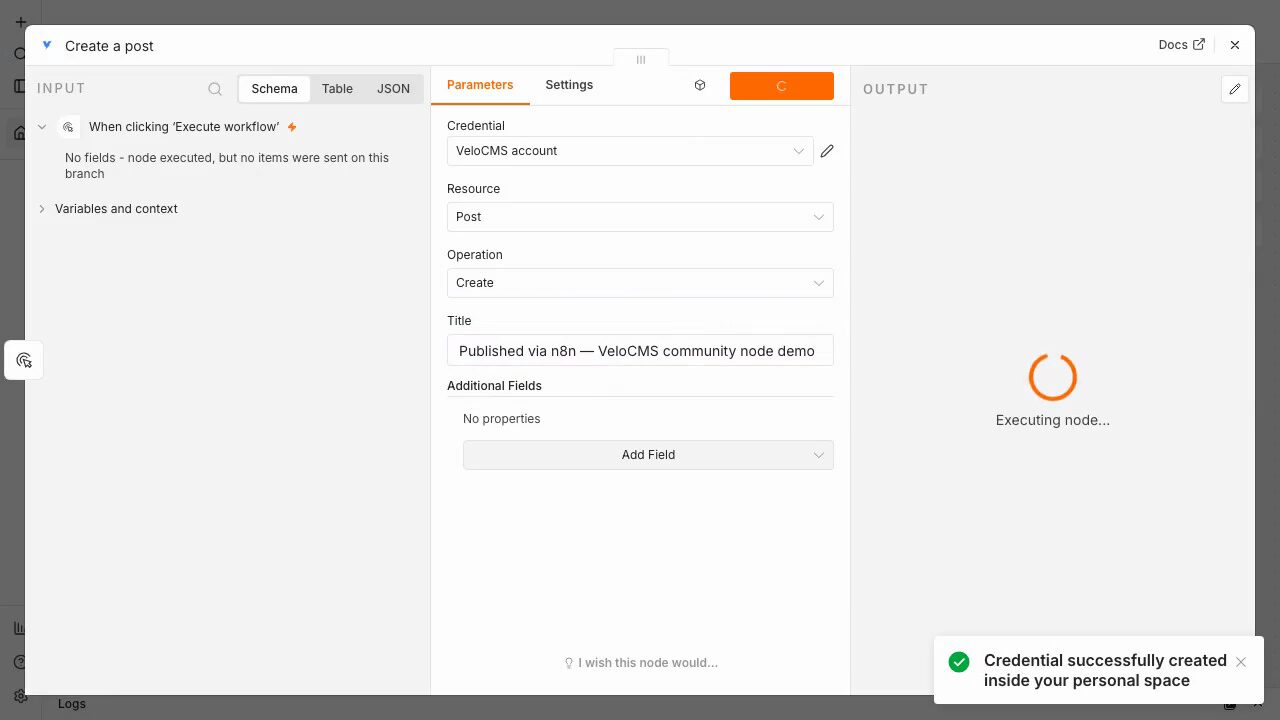
The node covers the things a real publishing workflow needs: create a post, publish it (immediately or as a draft for review), update or fetch existing posts, and upload media. There's a companion trigger node too, so a workflow can start from your blog instead of ending there — a new post goes live and n8n fans it out to wherever you want the news to travel.
The workflows practically write themselves once the node exists. A form submission becomes a draft for your review. A row added to a spreadsheet becomes a scheduled post. A new post triggers a message to your community. If you've used n8n at all, you already know this shape — the node just makes your blog one of the thousand-plus things it can wire together.
How do you connect n8n to your blog?
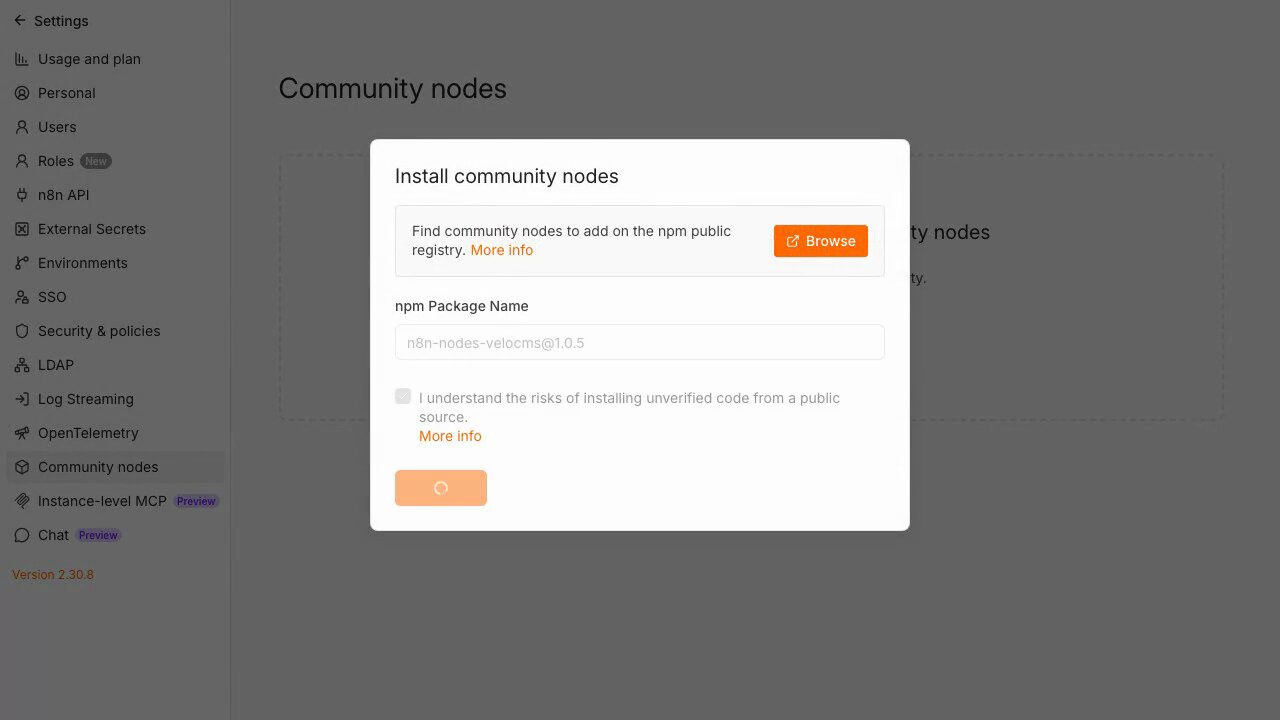
Two steps, and neither involves code. First, install the node: in n8n, open Settings, choose Community nodes, and install n8n-nodes-velocms by name.
Second, create a credential. In your VeloCMS dashboard, go to Settings and open API Keys, generate a key (it starts with velo_ and you scope what it's allowed to touch), then paste it into the node's credential form along with your blog's URL. n8n's built-in credential test tells you on the spot whether the connection works — no publishing a test post to find out.
Here's the whole thing end to end — install, credential, first post, and an AI agent reading the blog — in about a minute:
Can an AI agent run your blog?
This is the part that surprised us in testing. The node is marked as usable by n8n's AI Agent, which means an agent can pick up your blog as a tool — read what's published, draft something new, publish it — as one step in whatever reasoning loop you've given it. You describe the job in plain language; the agent decides when touching the blog is the right move.
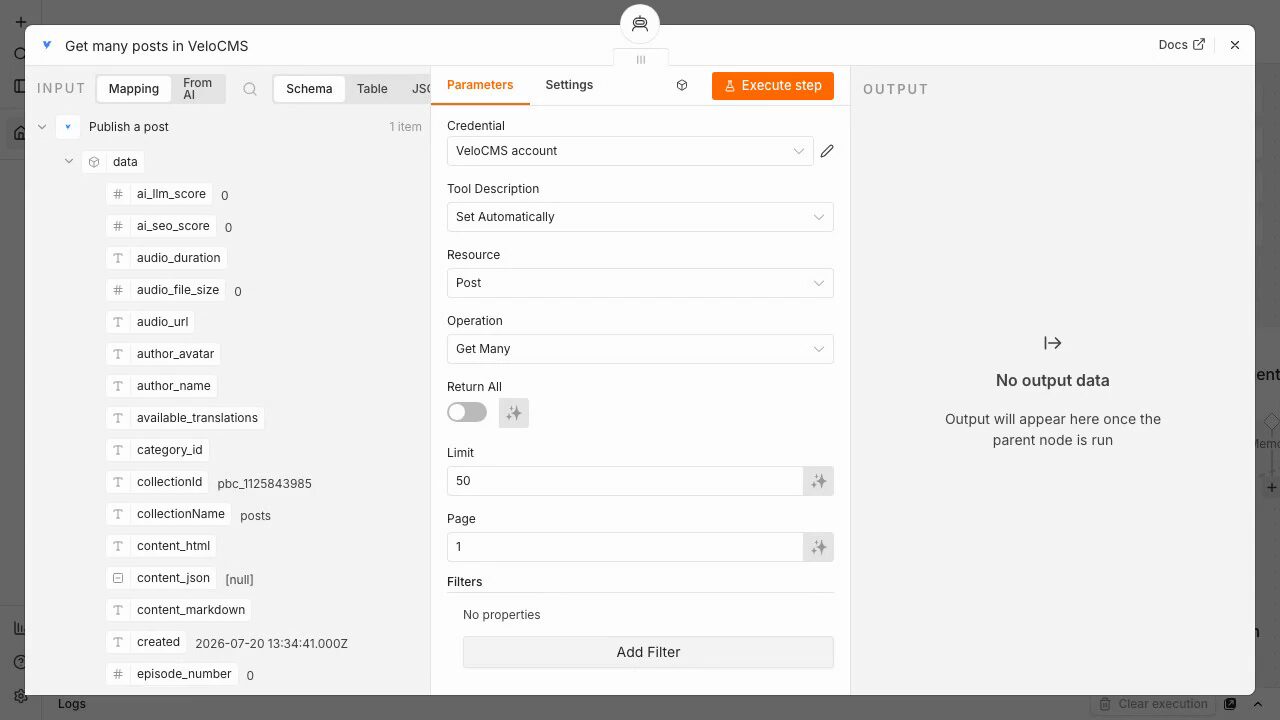
That's a different proposition from a fixed automation. A workflow does the same thing every time. An agent with your blog as a tool can summarize the week's posts into a digest, or notice a gap and draft something to fill it — and you still hold the publish gate if you route its output to drafts.
What if you'd rather stay in Claude?
Not everyone wants a workflow canvas. If your writing already happens in Claude Code, Claude Desktop, or Cursor, the MCP server is the shorter path: run npx @velocms/mcp with your API key and your assistant gets twelve tools against your blog — drafting and publishing posts, uploading media, moderating comments, managing members, reading site settings. You finish a piece in conversation, say "publish it," and it's live. No tab switch, no paste.
Both integrations respect the same boundary: the API key is scoped, revocable in one click from the dashboard, and never gives an automation more access than you chose to hand it. (And if your dashboard is getting busy enough that finding that settings page takes a beat — the new command palette ships this week too. Press one shortcut, type "api", you're there.)
The larger point isn't any single workflow. It's that your blog stopped being a destination you have to visit and became infrastructure other tools can build on. If you want to try it on a blog of your own, start a 14-day free trial — the API keys page is waiting in the dashboard, and the node is one install away.