What is the safest way to migrate a Ghost blog to a React-based CMS?
Export your Ghost content as JSON, rescue your media folder via SSH, and let a tailored import script rebuild everything inside PocketBase.
The safest way to migrate a Ghost blog to a React-based platform like VeloCMS is to export your existing content as a raw JSON file from Ghost's settings, then run a tailored server-side import script to map those posts directly into your new database. Handling the move at the database level guarantees you won't lose your formatting or metadata in the shuffle.
Why make the jump to an AI-first CMS anyway?
Let's be honest. Ghost is solid for straightforward publishing, but it can feel incredibly rigid the second you want to start customizing under the hood. Moving your content to VeloCMS essentially future-proofs your entire creative setup. Because it relies on Next.js paired with a PocketBase backend, you're getting a wildly fast site that completely outpaces clunky legacy giants like WordPress. Plus, it won't burn a hole in your wallet every single month just for basic hosting fees. You finally get the breathing room to scale up your traffic, tap into built-in AI writing tools organically, and lock down your site's security without having to juggle a dozen vulnerable third-party plugins.
How exactly do I safely pull my data out of Ghost?
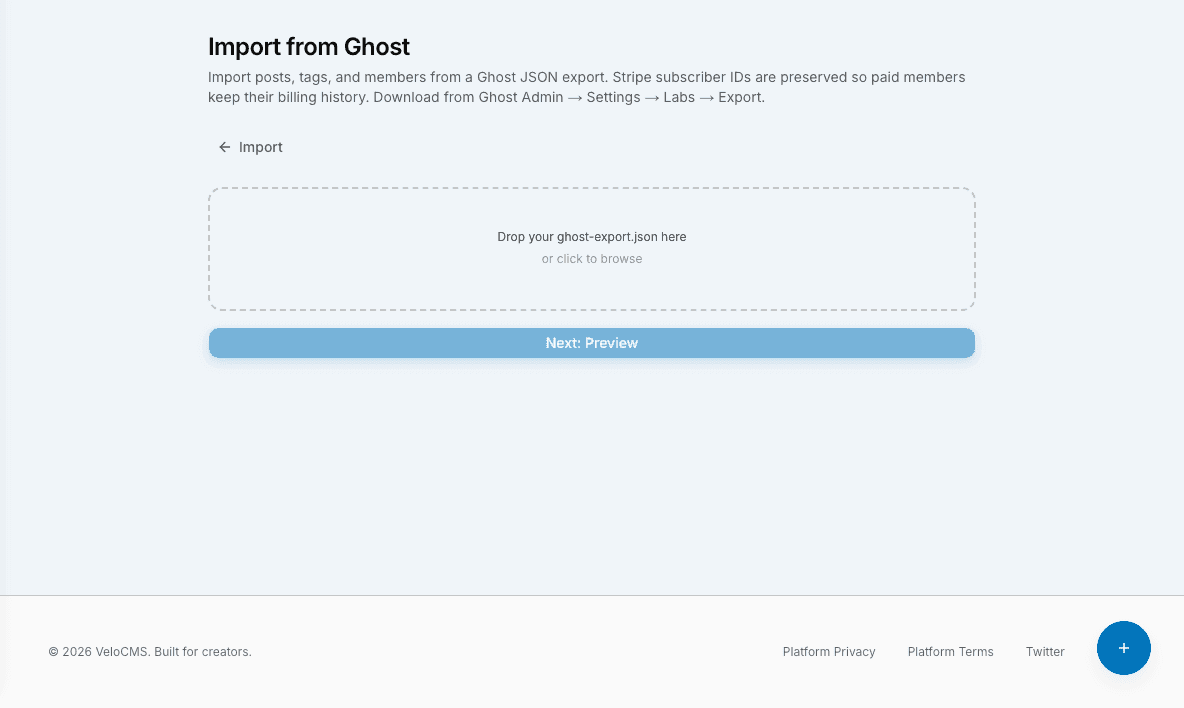
Getting your hands on your own data usually sounds intimidating, but grabbing your text from Ghost is actually a breeze. You just need to log into your admin dashboard, head over to the settings area, and find the native export tool. Clicking that button spits out a massive JSON file holding all your hard work (every post, tag, and author profile you ever dreamed up). Do not try to manually copy and paste your articles page by page. I've watched people try that tedious route, and it's a complete nightmare that strips out all your clean HTML formatting. Once you have that JSON file safely saved on your desktop, VeloCMS can swoop in and parse the whole thing. It reads those custom fields and ports them cleanly straight into your new PocketBase architecture.
What happens to all my images and media files?
Here is a highly specific, actionable tip to save you a massive headache later on: Ghost does not bundle your actual image files inside that JSON export. To rescue your media, you have to log into your old server via FTP or SSH and manually download the entire content/images directory to your local machine. Once you have your hands on that folder, upload those exact assets straight into your new VeloCMS media library. You'll then need to run a quick find-and-replace command on your exported JSON file in a code editor. Simply swap out the old Ghost image domain with your fresh VeloCMS paths before you run the final import script. If you skip this crucial step, you're going to launch a beautiful new website full of broken, invisible image icons.
Will swapping my platform destroy my SEO traffic?
We all lose sleep over Google rankings tanking during a major migration. The real trick here is keeping things exactly where the search engines expect to find them. If your most popular post lived at a specific URL slug on Ghost, make absolute sure it lives at that exact same slug over on VeloCMS. React frameworks give you complete, granular control over your routing structure, so keeping those paths identical is incredibly straightforward. If you decide you absolutely must change your URL structure to match a new brand, set up permanent 301 redirects at the server level immediately. You never want to leave your loyal readers stranded on dead error pages.
Migrating a blog always feels like a heavy lift at first glance. But taking it step-by-step with your raw JSON export and local image folders really takes the danger out of the equation. Just remember to back up everything twice before you start playing around with databases. You'll be settling into your lightning-fast, modern new setup in absolutely no time at all.
Run a free technical SEO, performance, and migration-readiness audit — no signup required.Audit my site