Podcast
A dark purple home for your show, with the newest episode up front.
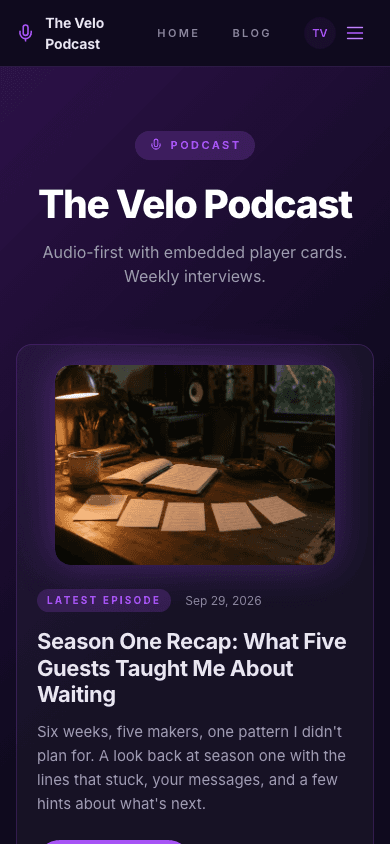
Podcast puts the newest episode at the top of your home page. A frosted nav with a microphone mark sits over a purple-to-black hero, and a card below your show name carries the artwork, the title and a Listen now button. More episodes follow in a two-column grid, then a short about block and, when you turn it on, a subscribe form. Every episode is an ordinary post, and any post with audio gets a player at the top of its page.
Who it's for
This one is for people who publish a show and want a site that feels like one. Podcasters get an episode-first home page, and the post page plays the audio and keeps room for show notes. Because posts carry audio, episode numbers and season numbers, the platform can also publish an iTunes-style feed. If your site is mostly text articles, a lighter reading theme will serve you better, since this design leans on dark purple and a play-button look throughout.
What makes it different
A latest-episode card on the home page
Under the show name and tagline sits a card for your newest post, with its cover image or a purple gradient, the date, the title, the excerpt and a Listen now button that opens the episode page. A play icon fades in over the artwork when a visitor hovers the card.
An episode grid and a subscribe block
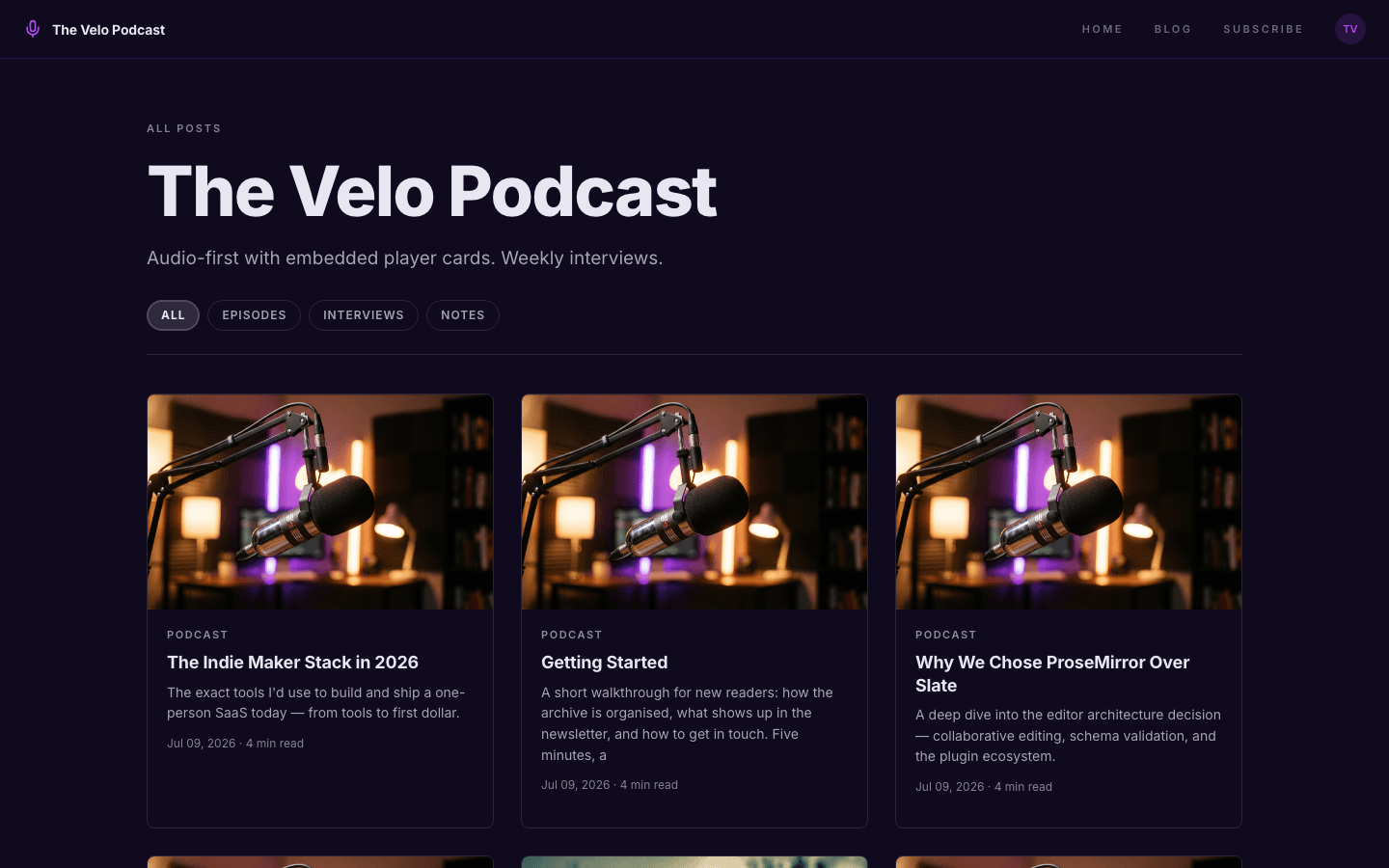
Below the hero, up to four more episodes appear as thumbnail cards in two columns, each with a title, a tag and a length, plus a link to the full list. An about block uses your blog description, and a subscribe form appears when membership or a newsletter is set up and the Show subscribe widget on blog setting is on.
Episodes the platform can publish as a feed
Public posts with audio attached, or tagged podcast, are published at /podcast.xml as an RSS feed with iTunes tags for duration, episode and season numbers, author, cover art and category. Each enclosure type follows the file extension. Audio is uploaded from the post editor's Podcast tab as MP3, M4A or AAC.
An audio player on every episode page
Any post with an audio file attached shows a player at the top of its body, with play, scrub and volume controls. It is added for every theme, appears only to visitors who can read the post, and the Podcast theme also shows the length you typed on episode cards.
A shop for merch and downloads
The shop has its own purple layout with a search box, category chips, minimum and maximum price fields and an in-stock only filter. Product cards swap to a hover image when you add one, and product pages show a gallery, price, features, an FAQ list and an out-of-stock label when stock runs out.
Menus that can nest
Give a menu item children and it opens as a dropdown on desktop and a tree in the mobile menu, up to three levels deep. A site with no menu yet starts with Home and Blog links, plus Shop when you sell products, so a fresh show has working navigation.
Page by page
- Home
- Show pill, latest-episode card, Listen on links, a two-column episode grid, an about block and a subscribe form when enabled.
- Blog
- Category pills, a three-column card grid and numbered pagination.
- Post
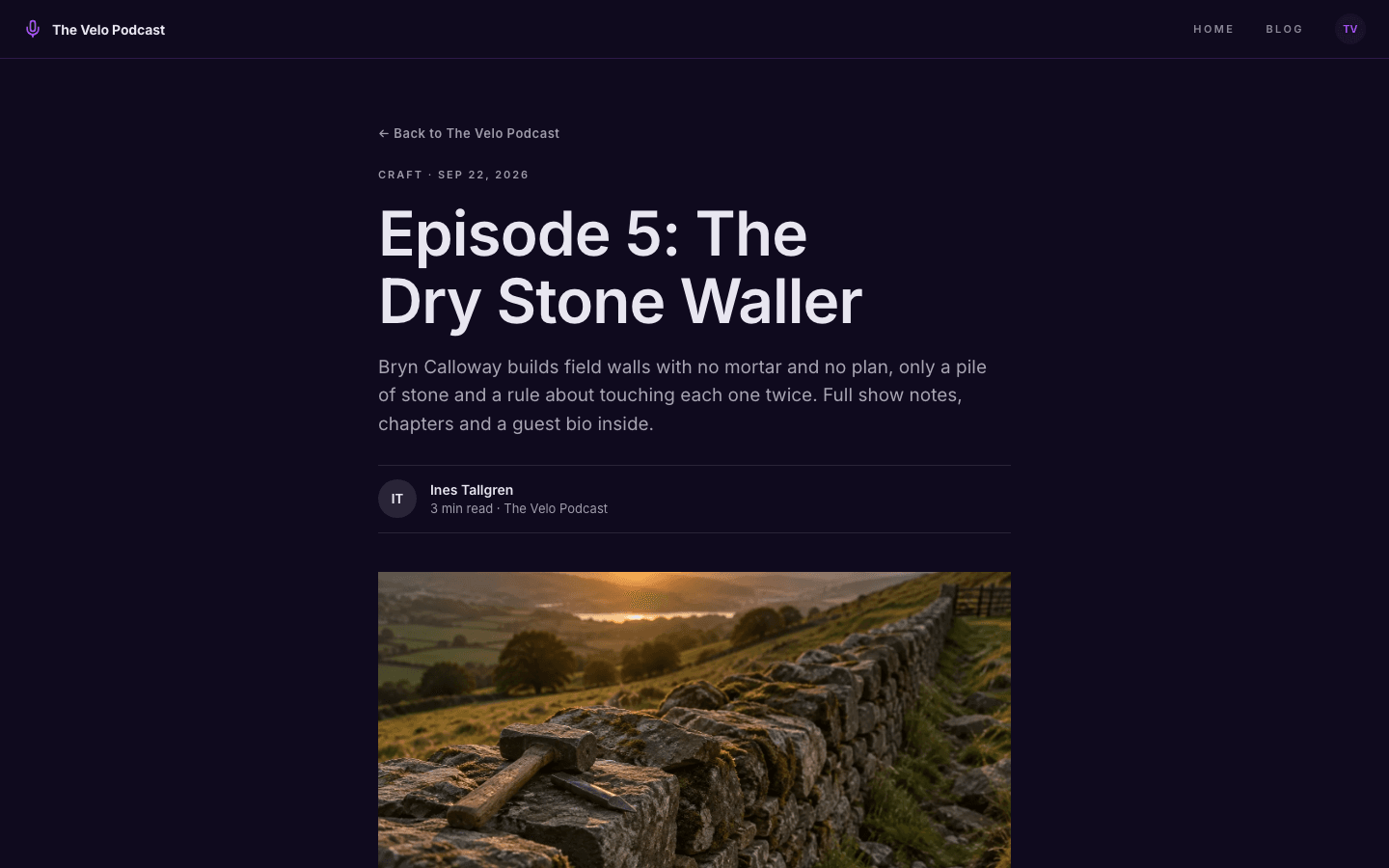
- Headline, byline with episode length, cover, audio player, tag links, comments and a newsletter box when subscribing is on.
- Page
- Page-builder content inside the same nav and footer.
- Shop
- Search, category chips, price and stock filters, and hover images.
- Product
- Gallery, price, features, FAQ list and an out-of-stock label.
Customizing it
Podcast follows your Global Design colours: background, text, the purple accent, the muted tone and the border colour all take what you set under Appearance, once the apply-to-theme switch is on. Fonts work too, with one catch. The theme reads a single font setting, taking your heading font first and your body font second. Podcast feed details such as category, cover art, the explicit flag and your Apple Podcasts, Spotify and YouTube Music links live under Settings, Podcast.
Honest limits
- It is dark only. There is no light variant and no switch for the visitor's system colour setting.
- The player is the browser's standard audio control, not a themed one, so its look follows the visitor's browser. It shows the file you attached, with no chapters or speed presets of its own.
- The Listen on row shows only the Apple Podcasts, Spotify and YouTube Music links you saved in Settings, Podcast, plus an RSS link. Other directories are not drawn there.
- Episode length is the duration you type in the Podcast panel. If you leave it empty, home page cards show no length, and it is never worked out from the audio file.
- The blog listing has category pills and pagination but no search box. Search lives in the shop.
Specifications
- Category
- Podcast
- Price
- Included
- Plan availability
- Included in every VeloCMS plan
- Commerce-ready
- Yes
- Motion
- No
Good fit for
Frequently asked questions
Which audio formats can I upload?
MP3, M4A and AAC. You upload the file from the Podcast tab of the post editor, which also holds the duration, episode number and season number. Hosting the audio elsewhere and pasting its address is another option.
Does the theme include an episode player?
Yes. Any post with an audio file attached gets a standard audio player at the top of its body, on this theme and every other. Posts without audio show only your title, notes and cover.
Where is my podcast feed?
At /podcast.xml on your site. It lists public posts that have audio or carry a podcast tag. The main blog feed at /feed.xml is separate, and the RSS link in the Listen on row points to the podcast feed.
Is Podcast only for podcasters?
It is built for them. A video show or a newsletter with a spoken edition could use it, but the play buttons and latest-episode card only make sense when each post is an episode.