Engineering
A black, sky-blue theme for technical blogs that borrows the look of good SaaS docs.
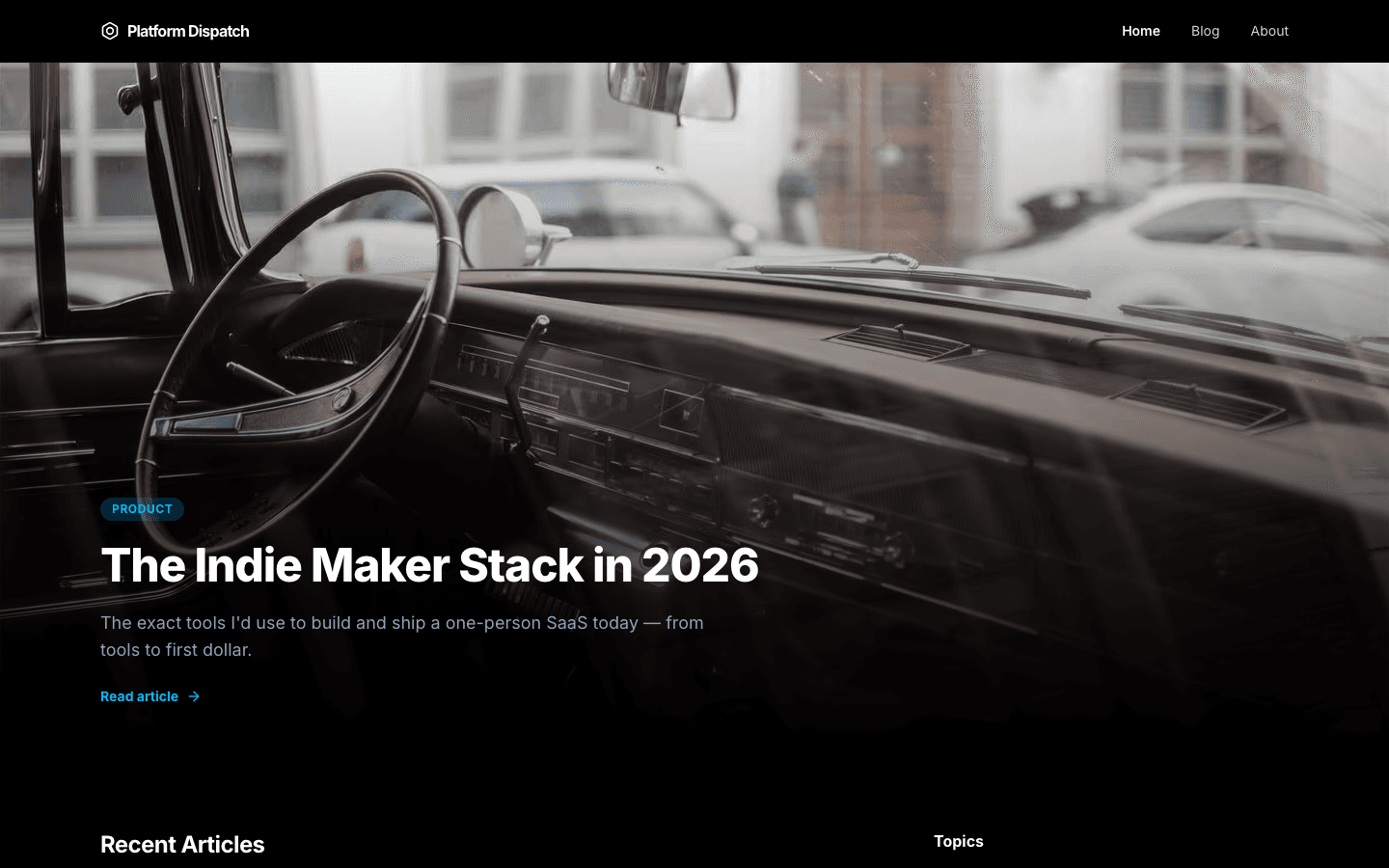
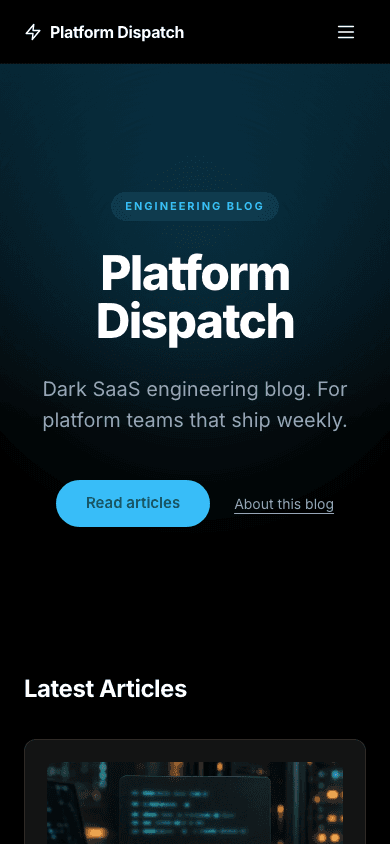
Engineering gives a technical blog the look of a developer-tool site. A true-black page, a sky-blue accent, a hero with a soft glow and a small pill above the headline, then your six latest articles in a card grid. It is structured and quiet, and a few of its labels can be rewritten in settings.
Who it's for
Engineering is for people who write about software for other people who build it: developers writing up architecture decisions, indie makers documenting a product, and agencies that run an engineering blog for a client. The structured card grid and sky-blue accents echo the product sites its readers already use. It is a poor fit for a warm, personal or image-heavy publication, and it is a blog with that look, not a docs or changelog system.
What makes it different
A hero with a glow
The hero has a faint sky-blue wash and a soft radial glow behind a centred headline. A small eyebrow pill sits above your blog name, your description follows as the lede, and a Read articles button leads on, with an About link when an about page exists. No image is needed.
Six articles at a glance
The home page shows your six newest posts as dark cards in a three-column grid. Each card has a tag pill, the title and a meta line with the author and reading time. A short about section follows, with a link to your about page when you have one.
Posts with an optional sign-up
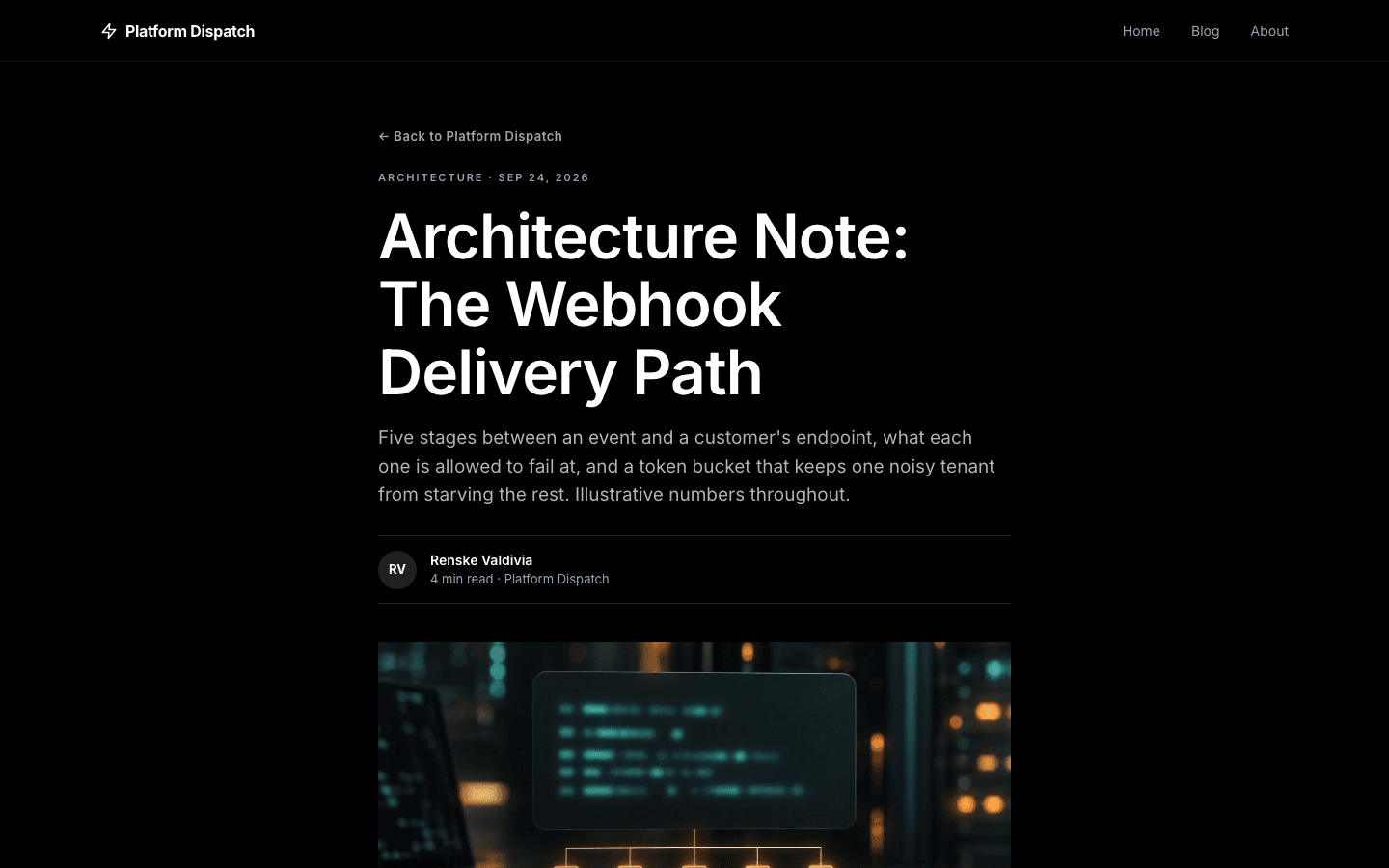
Posts open with a back link, a tag and date line, the headline, excerpt, byline and cover, then the body and tag pills. A Keep reading box with an email field and a comments section follow. The box only appears when a signup path is set up and the subscribe widget setting is on.
Edit a few labels yourself
Four pieces of text can be rewritten in Settings, General, in English and Arabic: the hero eyebrow, the about paragraph, the mobile menu footnote and the label shown on a post card that has no tags. Leave one blank and the theme's own wording stays in place.
A shop that matches the blog
Shop cards show a sky-blue uppercase category label, the price and an add-to-cart pill. A card gains a sky-blue border and lifts slightly on hover, and shows a second image when the product has one. Search and category chips sit above the grid.
Menus that can nest
Give a menu item children and the desktop nav turns it into a dropdown, while the mobile drawer shows the same tree, up to three levels deep. Without a menu of your own, a new site starts with Home and Blog links, plus Shop if you sell products.
Page by page
- Home
- Glowing hero with an eyebrow pill, six article cards, an about section and a sky-gradient subscribe banner when signup is on.
- Blog
- Category pills, a card grid and numbered pagination.
- Post
- Byline, cover, tag pills, a Keep reading box when subscribing is on, and comments.
- Page
- Page-builder content inside the same nav and footer.
- Shop
- Dark product cards, search and category chips.
- Product
- Gallery, price and add-to-cart or buy buttons on dark surface cards.
Customizing it
Global Design under Appearance recolours Engineering's background, text, muted tones, borders and font once apply-to-theme is on. The primary colour affects the sky-blue used by page-builder blocks, but the nav button and the hero button are fixed in a lighter sky blue and do not follow it. Corner radius is fixed. Menus live under Navigation, and the four text labels under Settings.
Honest limits
- It is dark only. The page is true black by default, and the CSS has no light variant or system colour-scheme switch.
- There is no changelog or docs layout. Release notes and guides are ordinary blog posts and pages in this theme.
- The home subscribe banner wording is fixed and cannot be edited from settings, and the blog listing has no search box.
Specifications
- Category
- Developer
- Price
- Free
- Plan availability
- Included in every VeloCMS plan
- Commerce-ready
- Yes
- Motion
- No
Good fit for
Frequently asked questions
Does Engineering include a changelog or docs layout?
No. It is a blog and shop theme styled after product documentation sites. You can publish release notes as posts and guides as pages, but the theme adds no versioned changelog or sidebar docs navigation.
Can I change the sky blue?
Partly. Global Design recolours the background, text, borders and the primary colour used by page-builder blocks. The nav button and the hero button keep a fixed sky blue.
Which text can I edit without code?
Four labels: the hero eyebrow, the about paragraph, the mobile menu footnote and the fallback label on tagless post cards. Each can be set in English and Arabic under Settings, General.
Can I sell products with Engineering?
Yes. It has its own shop and product page layouts with search, category chips, hover images and add-to-cart buttons, styled as dark cards with sky-blue accents.