Restaurant
A candlelit brown-and-gold theme that reads like a tasting menu.
Restaurant is a dark theme for places that serve food and want to tell the story around it. Espresso-brown pages, gold rules and serif type frame a hero with the season, a grid of menu-style cards for your posts, and a panel for your kitchen's story. Set your site to the restaurant type and its gold button opens a real reservation form.
Who it's for
Restaurants, cafes, bakeries and chefs who publish: seasonal menu notes, supplier stories, event announcements, recipes. It also fits food writers who like a moody, evening look. When your site is set to the restaurant type, the gold Reserve button opens the built-in table reservation form, with optional deposits. On any other site type it becomes a Subscribe button, shown only when subscribing is set up. It is also dark, so a site that needs a light look should choose another theme.
What makes it different
A hero that names the season
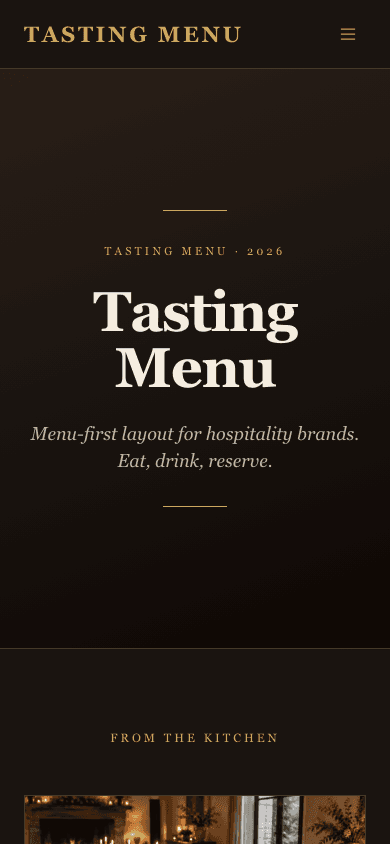
The home hero sits between two gold rules with an eyebrow that reads Tasting Menu with the current season and year, worked out from today's date. Your site name is the headline and your site description is the line beneath it.
Posts as menu cards
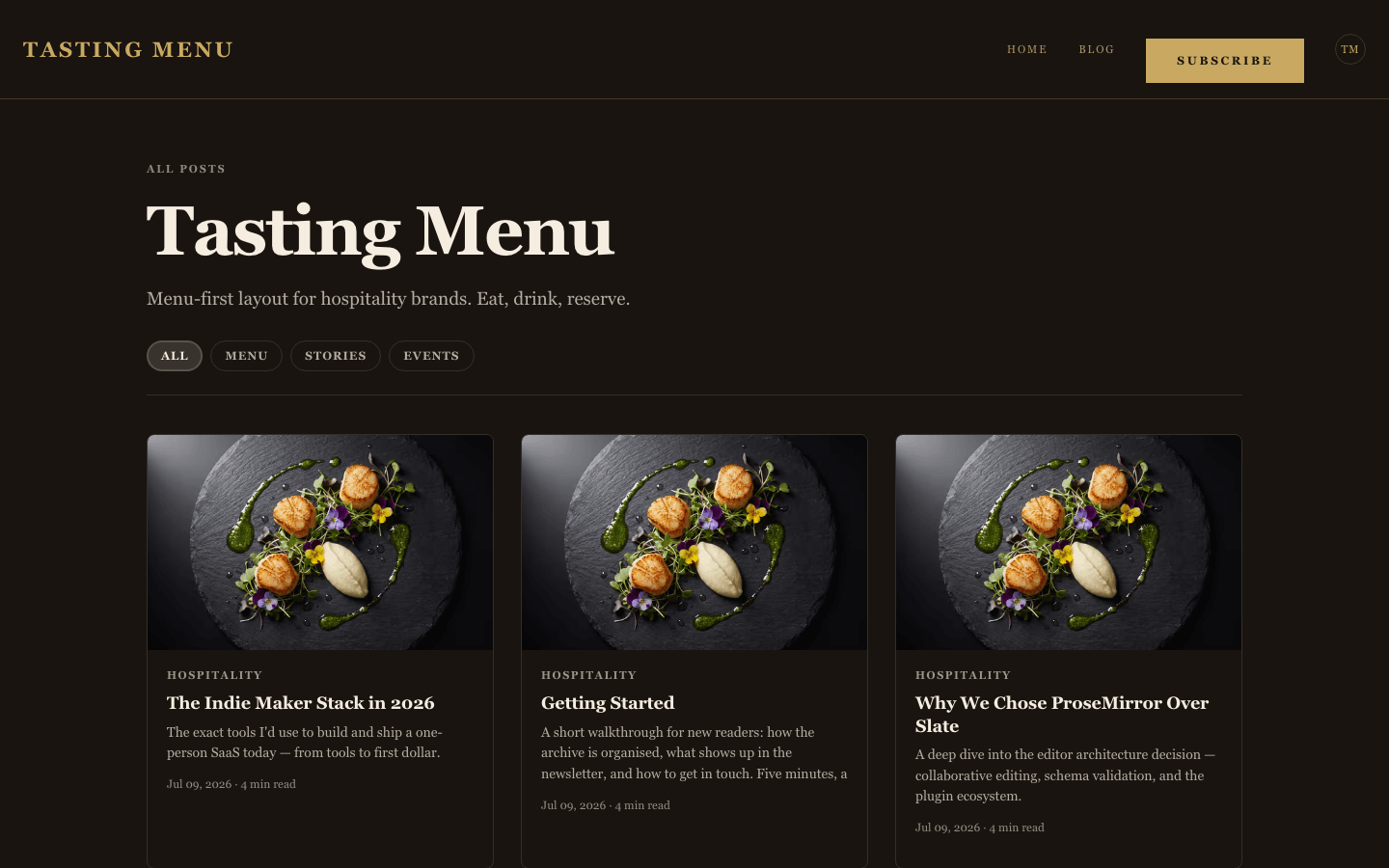
Your four newest posts appear under a From the Kitchen label as menu-style cards: the newest runs full width, and the next three sit two-up beneath it. Each card has a category, title, excerpt and date. Use it for specials, supplier stories and event notes.
A panel for your kitchen's story
A dark Our Kitchen panel shows your site description as a large statement. If you have an About page, a Meet the team link below it points there. Until you write a description, a short stock line stands in, so replace it.
A gold button that books the table
The gold button in the nav, the hero and the closing section reads Reserve and opens your reservation form at /contact when the site type is restaurant. On other site types it reads Subscribe, links to your sign-up page, and only appears once subscribing is set up and the Show subscribe widget on blog setting is on.
A shop that reads like a menu
The shop listing runs in gold-ruled rows: a small gold category, a serif title, a dotted leader and a gold price, with an italic description under each. A card with a second gallery image swaps to it on hover for mouse users.
Product pages with a dark hero
Product detail pages have their own Restaurant layout on the espresso ground: a gold caps eyebrow, a large serif title and a square-cornered gold-ruled buy panel. Product questions open as an accordion, and the buy panel hides when stock runs out.
Page by page
- Home
- Season hero, four menu cards, kitchen panel and a closing sign-up section.
- Blog
- Category filter pills, a three-column card grid and pagination.
- Post
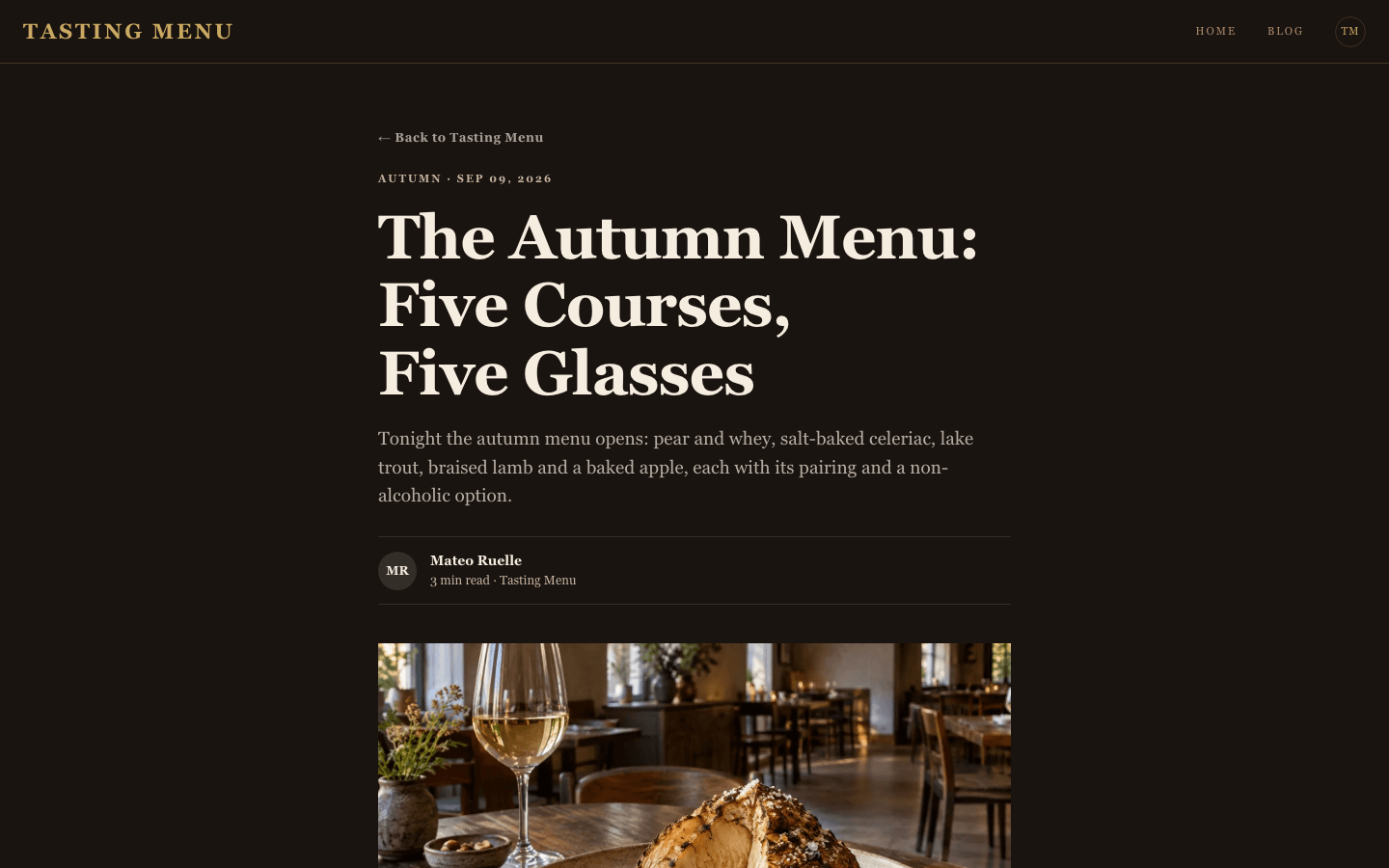
- Byline, cover, tag pills and an inline subscribe card.
- Page
- Page-builder content under the same gold-and-brown chrome.
- Shop
- Menu-style rows with search, category pills and prices.
- Product
- Dark detail page with a gold buy block and FAQ accordion.
Customizing it
Global Design works here. In Admin, Appearance, Global Design, with Apply to theme switched on, you can change the background, text, border and gold colours. The heading font, or the body font if no heading font is set, drives the single typeface, which defaults to Georgia. Your site name, logo, description, menu and social links come from your settings. The home hero does not use a hero image: it is drawn with gold rules and type.
Honest limits
- Reserve works only when the site type is set to restaurant, because that is what turns on the reservation form at /contact. On any other type the button reads Subscribe.
- Restaurant is dark by default, with brown and gold as the design. Global Design can recolour it, but a light site is better served by another theme.
- The home hero ignores a hero image, because it is drawn with gold rules and type.
Specifications
- Category
- Restaurant
- Price
- Included
- Plan availability
- Included in every VeloCMS plan
- Commerce-ready
- Yes
- Motion
- No
Good fit for
Frequently asked questions
Can guests book a table through this theme?
Yes, when your site type is set to restaurant. The gold Reserve button on the home page opens the reservation form at /contact, and you manage bookings, availability and optional deposits in Admin under Reservations. On other site types the button is a Subscribe link instead.
Can I show my menu and prices?
Yes. Admin has Menu Management for categories, items, prices and dietary tags. Guests see it on a public /menu page, and a Restaurant Menu block puts the same live menu on any page you build. Shop products also list as menu-style rows.
Does it work in a light colour scheme?
It is built dark. Global Design can change its colours, but the layout is designed around espresso brown and gold. For a light, quiet look, try Atelier instead.
Can I use my own photos in the hero?
Not as a hero background. The hero is type and gold rules. Photos appear in your post cards, post covers and shop products.