Vitrine
A collector's catalogue in ivory and ink: framed plates, ruled entries, a cabinet.
Vitrine dresses a blog as the printed catalogue of a small museum. Marcellus capitals carry the headings and Source Serif 4 sets the text, on an ivory ground with ink-black type and a single steel-blue accent. The home page frames one featured plate beside a large headline, lists your latest entries as ruled rows, and ends in a cabinet of plates drawn from your categories.
Who it's for
It was drawn for people who collect, catalogue and describe objects: watch and coin collectors, vinyl and stamp hunters, antique dealers, archivists and small galleries that publish provenance notes and acquisition essays. If you also sell conservation supplies, prints or books, the shop keeps the catalogue look. It is a poor fit for a cheerful lifestyle brand, because the grayscale pictures, hairline rules and capitals all aim for a sober, curatorial tone.
What makes it different
A featured plate beside the headline
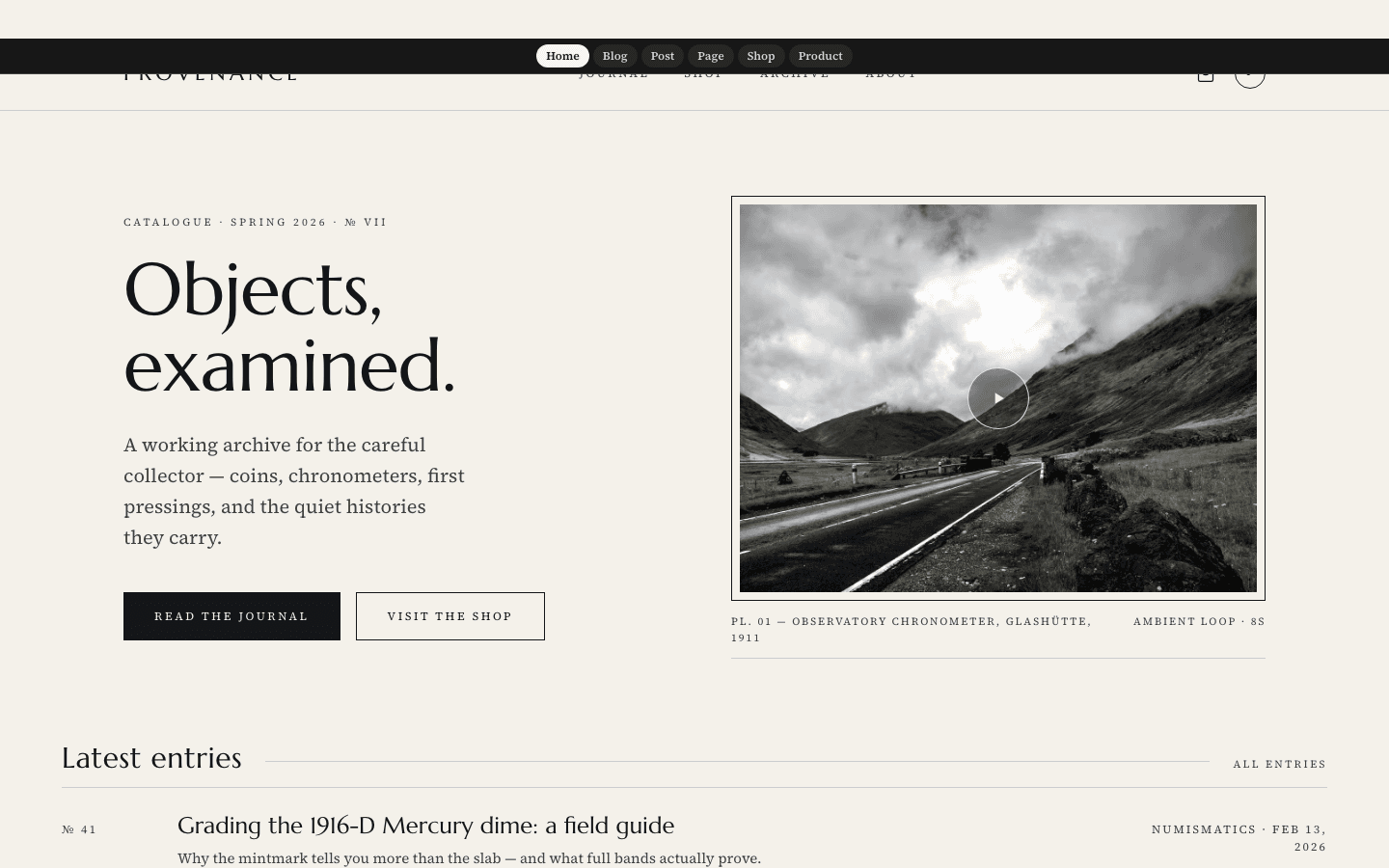
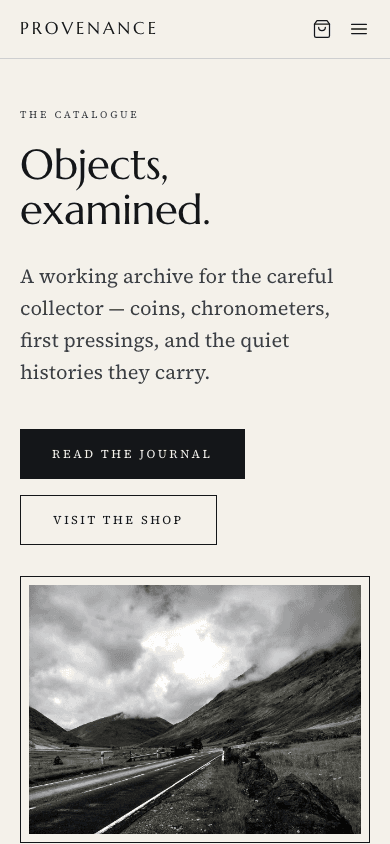
The home page pairs a large Marcellus headline, a short lede and two buttons, Read the journal and Visit the shop, with a framed 4-by-3 plate and a caption. The plate shows your hero image, or the newest post's picture when none is set. Once you write a description, your site name becomes the headline.
An optional loop, still first
Add a video address in the Scroll journey field under Settings, General, Hero media and a muted, looping clip plays inside the plate in softened grayscale, marked by a small play seal. Without one, the still plate is the finished design. Reduced-motion visitors are shown the still image only.
Entries ruled like a catalogue
Latest entries run as hairline-ruled rows: the title with an excerpt of up to 140 characters, and a right-aligned line of category and date. On the blog index, posts become a three-column grid of plates that start in grayscale and fade to colour as the pointer arrives.
A cabinet built from your categories
Below the entries, a pale band called The cabinet lays out up to four of your real categories as numbered plates, Plate I to Plate IV, each with its category name beneath. If you have no categories yet, the whole band is left out rather than filled with invented items.
A shop in the same catalogue voice
The shop is a three-column grid with a rule above each card. A kicker shows the category on the left and a catalogue reference such as Cat. S-412 on the right, then a framed grayscale picture, the title with the price, and a one-line italic note. Products without options get an add-to-cart button once payments are live.
Product pages laid out as specimen sheets
A product opens on a framed main plate with up to four square thumbnails. Beside it come your tagline as a small uppercase kicker, a large title, the price with a delivery note, the description, buttons, and a What's included list. When Stripe is connected an outlined purchase button, labelled Instant digital delivery with the price, joins the cart button.
Page by page
- Home
- Hero with a framed plate, three ruled latest entries, the specimen cabinet and an ink-coloured footer.
- Blog
- Journal masthead, up to eight category pills beside All, a three-column plate grid and two-digit page numbers.
- Post
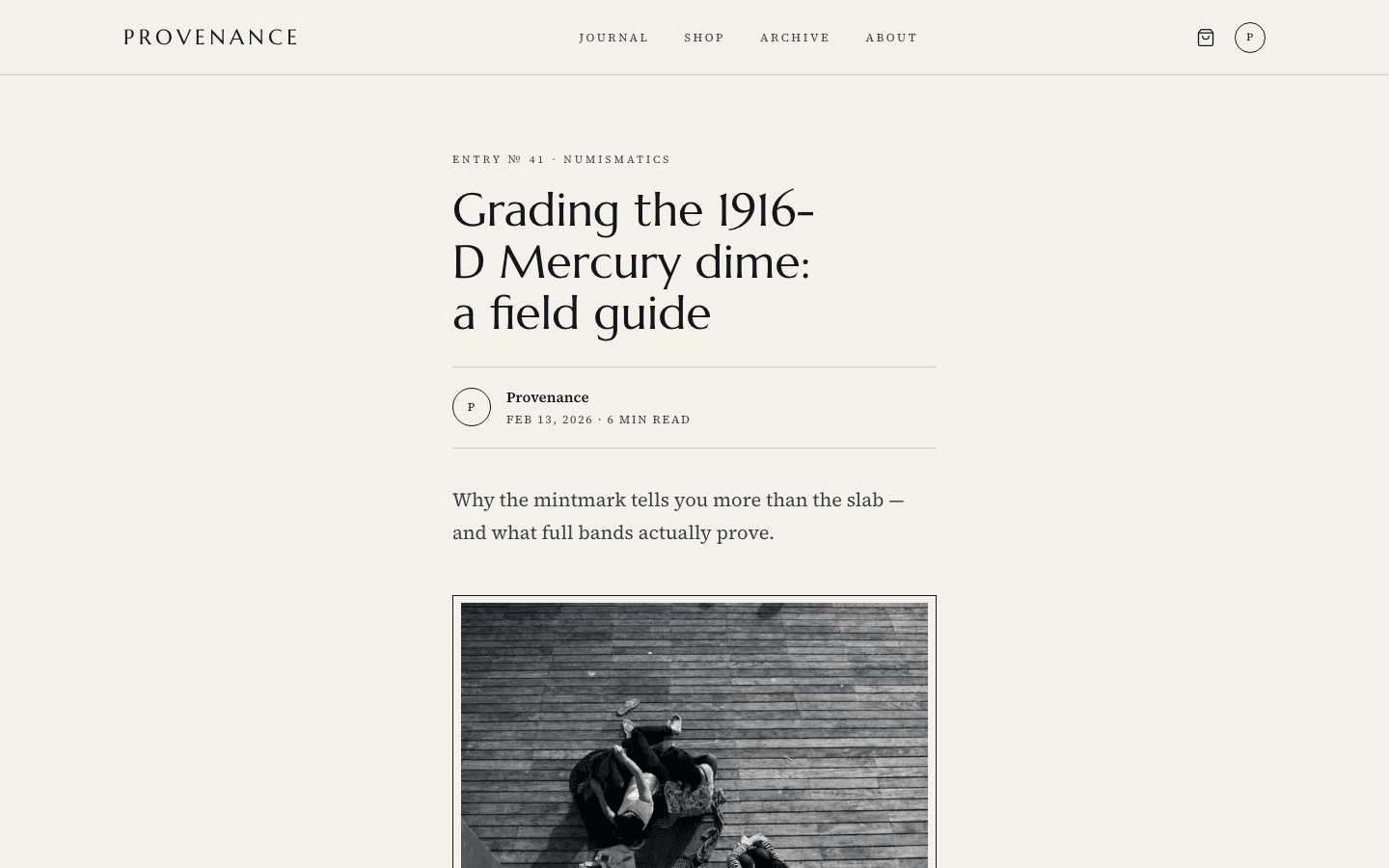
- Sixty-five-character column, category line, byline, tags, comments, Previous and Next links to neighbouring posts and a boxed catalogue letter.
- Page
- A page eyebrow, a large title and a prose column, for About and similar pages.
- Shop
- Eyebrow and title, then a catalogue grid with category, reference number, price and note.
- Product
- Framed gallery, kicker, price row, buttons and a specimen-style list of inclusions.
Customizing it
Global Design recolours the ivory ground, the ink, and the steel-blue accent, and your heading and body fonts replace Marcellus and Source Serif 4. Sixteen wording slots cover the hero eyebrow, the plate caption, the cabinet heading and the catalogue letter box, each editable in English and Arabic under Settings, General, Theme copy. Four optional catalogue-reference stamps stay hidden until you fill them in.
Honest limits
- Light ivory only. The stylesheet has no dark palette and does not follow a visitor's system colour setting.
- Entries carry no running numbers; the catalogue feel comes from rules, capitals and plates, and the Plate I to Plate IV labels on the cabinet are fixed English.
- The Previous and Next links under a post lead to the next-older and next-newer published posts; a side with no neighbour is simply left out.
- Until you rewrite it, sample wording speaks for a horology archive: the cabinet heading reads Horology, recent acquisitions, and the newsletter box promises a monthly letter with grading guides. The mobile menu line says Est. 2026 and the video label says Ambient loop, 8s whatever your clip's length.
- The cabinet plates are dark gradient blocks with your category names, not product photographs. The shop has no search, category pills or price filters, and its Cat. S-number is generated from each product id.
- The footer's Contact link appears only when your site settings hold a contact email, and is left out otherwise. A few strings are fixed English, including The shop above the shop title and the Cat. S prefix.
Specifications
- Category
- Animation
- Price
- Included
- Plan availability
- Included in every VeloCMS plan
- Commerce-ready
- Yes
- Motion
- Yes
Good fit for
Frequently asked questions
Does Vitrine only suit watch collectors?
No. The sample wording is about horology, but every phrase is a text slot you can rewrite. Coin, record, stamp, book and antique sellers use the same structure; just replace the cabinet heading and the newsletter box.
Do I have to add a video to the hero?
No. The hero is complete with a still plate. Your clip only plays if you add its address, it is muted and looping, and it is hidden from visitors who prefer reduced motion.
Can my menu have sub-items?
Yes. A link with children opens as a hard-edged ivory dropdown on desktop and indented links under their parent in the mobile drawer. The footer's House column links to your About page.
What happens to the cabinet if I have few categories?
It shows only the real categories you have, up to four. With none, the section disappears. The theme no longer fills the space with made-up catalogue entries.
Does the shop work for physical goods?
Yes. Cards show category, price and a short note, products without options carry an add-to-cart button, and Stripe adds a purchase button on the product page. The footer's Shop column lists up to three real categories and is hidden on sites that sell nothing.